ZaenMa/Shutterstock
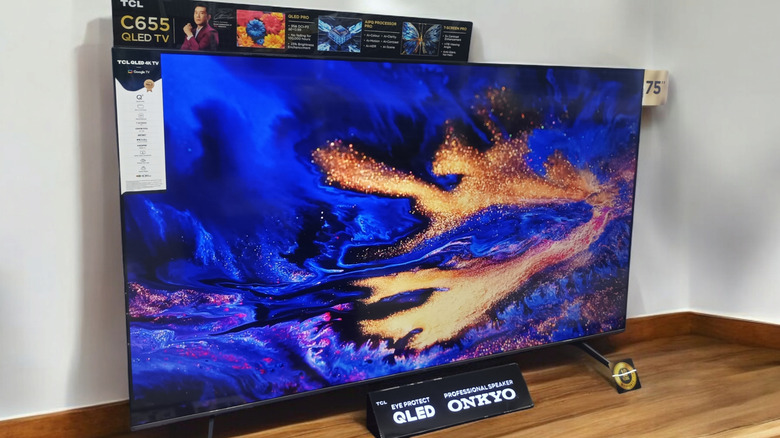
If you own a TCL smart TV, which can be very long-lasting in some cases, there’s a good chance you’ve gotten quite sick of the default screensaver. Depending on your model and platform, whether it’s Roku TV, Google TV, or Fire TV, the screensaver might cycle through generic landscapes, artwork, or promotional imagery. While functional, it lacks any sense of personal panache or flair.
The good news is that TCL TVs give you more control than you might expect. Swapping out the default screensaver for something more useful or visually appealing is relatively easy, including your own photos, curated artwork, or even ambient displays that double as information dashboards. The exact steps vary slightly depending on the operating system your TCL TV uses, but the overall process is straightforward once you know where to look.
For users who treat their TV as a centerpiece, customizing the screensaver can make a noticeable difference. It’s also a subtle way to reduce visual clutter or avoid repetitive promotional content that some default screensavers include. To sort out other common issues with TCL TVs, check out our handy guide.
How to change your TCL TV screensaver
Cineberg/Shutterstock
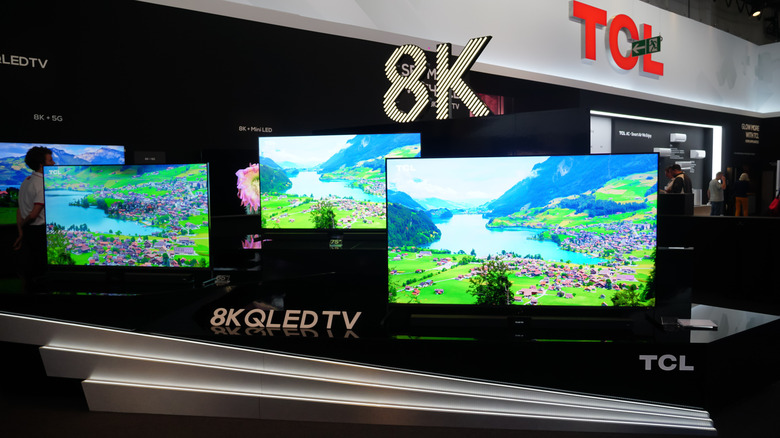
Start by identifying which smart platform your TCL TV runs, since the menu paths differ slightly between Roku TV, Google TV, and Fire TV models.
On TCL Roku TVs, press the Home button on your remote, then go to Settings > Theme > Screensavers. From here, you can choose from preinstalled options or access additional screensavers through the Roku Channel Store. If you want a more personalized touch, look for apps like Photo Streams, which lets you display your own images via a linked account.
For TCL Google TV models, navigate to Home > Settings > System > Ambient Mode. You can also change your screen saver settings through the Google Home app on Android or iOS — just select your Google TV device, then tap Settings followed by Ambient mode. While we’re on the subject, also note that if you own a TCL Google TV, you may be due for a free visual upgrade.
On TCL Fire TV models, which use Amazon’s Fire TV interface, go to Settings > Display & Sounds > Screensaver. Amazon’s implementation allows you to select from Amazon Photos, stock image collections, or themed screensavers. If you’re already using Amazon Photos, you can quickly set personal albums as your screensaver, making it one of the easiest ecosystems for customization.