Bioreports
Sunday, 9 Aug 2026
  • Home
  • POLITICS
  • SPORTS
  • HEALTH
  • BUSINESS
  • ENTERTAINMENT
    • Fashion
    • Fitness
    • Food
    • Travel
Newsletter
  • news
  • update
  • life style
  • tech
  • fitness
  • fashion
  • travel
  • food
BioreportsBioreports
Font ResizerAa
  • Home
  • Read History
  • Economy
  • Travel
  • Global Security
  • Global Affairs
  • World
  • Technology
  • Login
  • Blog
  • Contact
Search
  • Pages
    • Blog Index
    • Contact Us
    • Search Page
    • 404 Page
  • Pages
    • Home
    • Blog Index
    • Contact Us
    • Search Page
    • 404 Page
  • Pages
    • Home
    • Blog Index
    • Contact Us
    • Search Page
    • 404 Page
  • Personalized
    • Read History
  • Personalized
    • Read History
  • Personalized
    • Read History
  • Categories
    • Economy
    • Global Affairs
    • Technology
    • Travel
    • Global Security
  • Categories
    • Economy
    • Global Affairs
    • Technology
    • Travel
    • Global Security
  • Categories
    • Economy
    • Global Affairs
    • Technology
    • Travel
    • Global Security
Have an existing account? Sign In
Follow US
© 2026 Foxiz News Network. Ruby Design Company. All Rights Reserved.
Gadgets

Should You Use A Screen Protector On Your MacBook Air?

admin
Last updated: August 9, 2026 8:32 am
By
admin
Share
4 Min Read
Should You Use A Screen Protector On Your MacBook Air?
SHARE

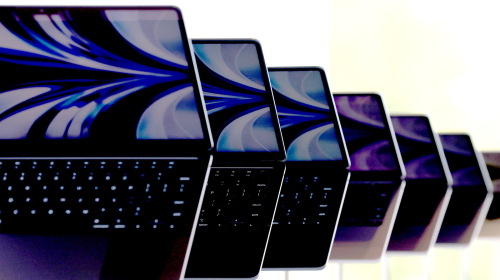
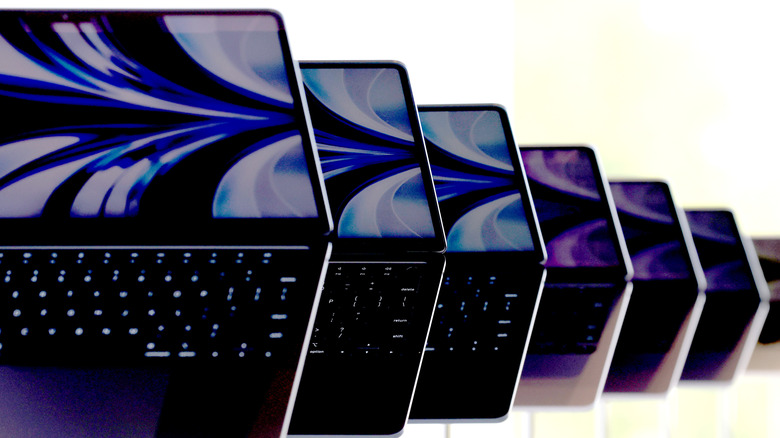
Brand new redesigned MacBook Air laptops are displayed during the WWDC22 at Apple Park

Justin Sullivan/Getty Images

Apple does not recommend that customers use camera covers, palm rest covers, keyboard covers, or even screen protectors on its Mac notebooks. Whether you have a MacBook Neo, a MacBook Pro, or a MacBook Air, trying to give your laptop extra protection can actually do more harm than good. In a support document, the company says, “Leaving any material on your display, keyboard, or palm rest might interfere with the display when it’s closed and cause damage to your display.”

If you have one of the latest MacBook Air models, you can close the lid and watch how the computer closes. Pretty tight, right? Apple leaves virtually no space between the display and the keyboard, and the best way to open the lid is by using the small lip below the trackpad. Because of that tight fit, even an ultra-thin screen protector can become a problem over time if dust or debris gets trapped between the two surfaces. Likewise, putting your MacBook Air in a very tight backpack could add extra pressure that might break your display. Even though some people say they’ve never had an issue, including BGR staff, it’s better to be safe than sorry — especially if you don’t have a proper AppleCare+ plan.

How to properly keep a MacBook Air protected
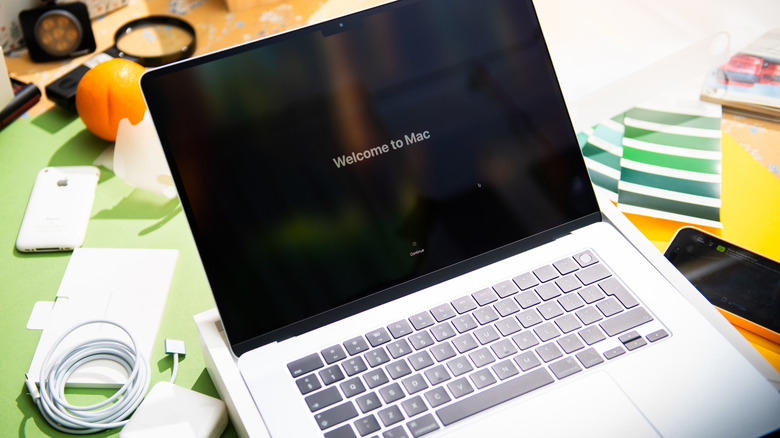
MacBook Air M4 displays Welcome to Mac on screen

Hadrian/Shutterstock

While your next thought could be, “I should put a hardshell case on my MacBook Air,” this is yet another common accessory that could have a big impact on your MacBook’s lifespan. Even though the MacBook Air doesn’t have a fan, it’s still designed to dissipate heat consistently through its aluminum enclosure. If you want to keep your MacBook Air protected, there are simpler options.

One of the easiest ways is to use the MagSafe cable. After all, if you — or someone else — trip over the cable, it just detaches without taking the laptop to the ground. Another smart investment is a laptop sleeve with a microfiber interior. This way, whenever you need to carry your laptop around, you have a protective sleeve to shield it from accidental damage and drops.

If you want to personalize your MacBook with stickers, avoid putting them where your palms rest, since they can create the same clearance issues as other accessories. Stickers on the outside lid are a safer choice, but keep in mind that you’ll have to remove them before trading in your Mac at Apple.

How to take proper care of your MacBook Air display
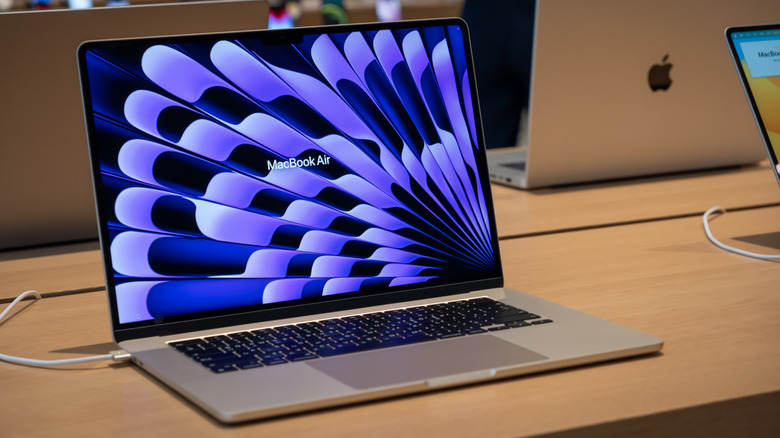
New Macbook Air 15 inch, Apple store

Rezeki2031/Shutterstock

If keeping your display looking new is the goal, the good news is that maintenance is simple. For one, avoid touching the screen unnecessarily, since smudges and fingerprints build up quickly. When it’s time to clean your MacBook screen, avoid cleaners with acetone, aerosol sprays, solvents, ammonia, abrasives, or generally anything you would clean your house with. Apple also recommends never spraying liquid directly on the display, as moisture could enter the device and cause damage.

Instead, shut down your MacBook Air and unplug all cables. Slightly dampen a clean, lint-free cloth (Apple’s polishing cloth is an option) with water and gently wipe the display. Then use a dry one to remove remaining moisture. 

MacBook displays usually have special coatings to improve readability and help reduce fingerprints. Using abrasives and harsh cleaning solutions can damage those coatings and create what is referred to as “Staingate,” a cloudy, scratched-haze appearance. In most cases, doing less for your MacBook can do more good, as Apple designed it to be used as is from day one.

Share This Article
Email Copy Link Print
Previous Article How To Control Your LG TV Without A Remote How To Control Your LG TV Without A Remote
Next Article Ministerul Afacerilor Interne avertizează asupra informațiilor false despre „ambulanțele negre” Ministerul Afacerilor Interne avertizează asupra informațiilor false despre „ambulanțele negre”
Leave a Comment

Leave a ReplyCancel reply

FacebookLike
XFollow
InstagramFollow
LinkedInFollow
MediumFollow
RSS FeedFollow
Most Read
Huawei reportedly sued US Commerce Department over seized equipment, ramping up trade war tensions

Huawei reportedly sued US Commerce Department over seized equipment, ramping up trade war tensions

Trump said if he had ‘one do-over’ as president it would be choosing Jeff Sessions as attorney general

Trump said if he had ‘one do-over’ as president it would be choosing Jeff Sessions as attorney general

Bitcoin Price’s Meteoric 2019 Gains Isn’t Even a Mainstream Trend Yet

Bitcoin Brawl: Ethereum’s Vitalik Buterin Takes on the Crypto Twitter Shills

Bitcoin Brawl: Ethereum’s Vitalik Buterin Takes on the Crypto Twitter Shills

7 mind-blowing facts about Target’s business

7 mind-blowing facts about Target’s business

Some ICE officers are reportedly furious with how Trump is handling immigration issues and wondering ‘what the hell is going on’ at the border

Some ICE officers are reportedly furious with how Trump is handling immigration issues and wondering ‘what the hell is going on’ at the border

The first Democratic debates will take place this week — here’s everyone who has officially announced they are running for president in 2020

The first Democratic debates will take place this week — here’s everyone who has officially announced they are running for president in 2020

Uber jumps after saying it’s looking to expand ride-hailing into West Africa, offer boat service

Uber jumps after saying it’s looking to expand ride-hailing into West Africa, offer boat service

It only took 4 months for the future of the smartphone to crash and burn

It only took 4 months for the future of the smartphone to crash and burn

Trump invites Kim Jong Un to the Korean border, says he’d like to meet ‘just to shake his hand’

Trump invites Kim Jong Un to the Korean border, says he’d like to meet ‘just to shake his hand’

Related News
Why Are Phone Charging Speeds Measured In Watts?
Gadgets

Why Are Phone Charging Speeds Measured In Watts?

How Butterfly Wings Could Make Solar Panels Up To 66% More Efficient
Gadgets

How Butterfly Wings Could Make Solar Panels Up To 66% More Efficient

Is The Steam Deck OLED Worth The Upgrade In 2026?
Gadgets

Is The Steam Deck OLED Worth The Upgrade In 2026?

After years with Samsung foldables, Motorola’s Razr finally showed me what I was missing
Gadgets

After years with Samsung foldables, Motorola’s Razr finally showed me what I was missing

‘Flying focus’ laser overcomes key limitation in plasma-based particle accelerators
Gadgets

‘Flying focus’ laser overcomes key limitation in plasma-based particle accelerators

  • Quick Links:
  • SPORTS
  • Business
  • HEALTH
  • NEWS
  • ENTERTAINMENT
  • Virtual Reality
  • Gadgets
  • WORLD NEWS
  • POLITICS
  • News World
  • Travel
  • Global Affairs
  • Tech
  • Africa News
  • America News
Bioreports
Information You Can Trust: Stay instantly connected with breaking stories and live updates. From politics and technology to entertainment and beyond, we provide real-time coverage you can rely on, making us your dependable source for 24/7 news.
Quick Links
  • Read History
  • Economy
  • Travel
  • Global Security
  • Global Affairs
  • World
  • Technology

© Bioreports News Network. . All Rights Reserved.