Bioreports
Sunday, 13 Sep 2026
  • Home
  • POLITICS
  • SPORTS
  • HEALTH
  • BUSINESS
  • ENTERTAINMENT
    • Fashion
    • Fitness
    • Food
    • Travel
Newsletter
  • news
  • update
  • life style
  • tech
  • fitness
  • fashion
  • travel
  • food
BioreportsBioreports
Font ResizerAa
  • Home
  • Read History
  • Economy
  • Travel
  • Global Security
  • Global Affairs
  • World
  • Technology
  • Login
  • Blog
  • Contact
Search
  • Pages
    • Blog Index
    • Contact Us
    • Search Page
    • 404 Page
  • Pages
    • Home
    • Blog Index
    • Contact Us
    • Search Page
    • 404 Page
  • Pages
    • Home
    • Blog Index
    • Contact Us
    • Search Page
    • 404 Page
  • Personalized
    • Read History
  • Personalized
    • Read History
  • Personalized
    • Read History
  • Categories
    • Economy
    • Global Affairs
    • Technology
    • Travel
    • Global Security
  • Categories
    • Economy
    • Global Affairs
    • Technology
    • Travel
    • Global Security
  • Categories
    • Economy
    • Global Affairs
    • Technology
    • Travel
    • Global Security
Have an existing account? Sign In
Follow US
© 2026 Foxiz News Network. Ruby Design Company. All Rights Reserved.
Gadgets

If Your Tablet Is Overheating, Try This

admin
Last updated: September 12, 2026 2:07 pm
By
admin
Share
5 Min Read
If Your Tablet Is Overheating, Try This
SHARE

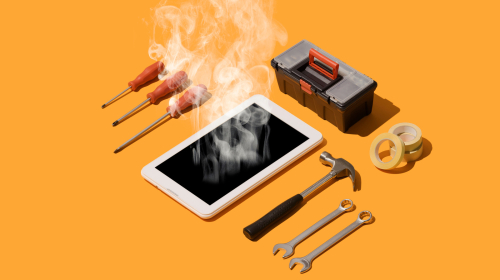
A graphic showing smoke coming out of a tablet surrounded by various repairing tools

Stokkete/Shutterstock

Whether it’s an M5 iPad Pro that you use as your main work computer or a cheap Android tablet that fits in your palm, all devices are prone to overheating if not treated the right way. Tablets generally don’t have internal cooling fans, which means they rely on passive cooling to dissipate heat. This makes them quieter and more convenient to use, but it also means that they have a harder time dealing with overheating. The primary cause behind tablets heating up is an overworked processor. This is especially true of older devices, tablets used for graphics-intensive work, and ones from unknown manufacturers that might not care about proper cooling and heat optimization.

If you find your device constantly overheating, the first thing to do is close background apps. Closing apps as a habit gives your processor more room to breathe, leading to reduced internal heat. You can also set it so apps and background processes close automatically from your tablet’s settings. On an Android tablet, the feature can usually be found under battery or performance optimization settings. On an iPad, you can turn off Background App Refresh under General in Settings. There are also device-specific features that can help mitigate overheating. If you have a Samsung Galaxy Tab, you can turn off RAM Plus.

Habits that keep your tablet from overheating
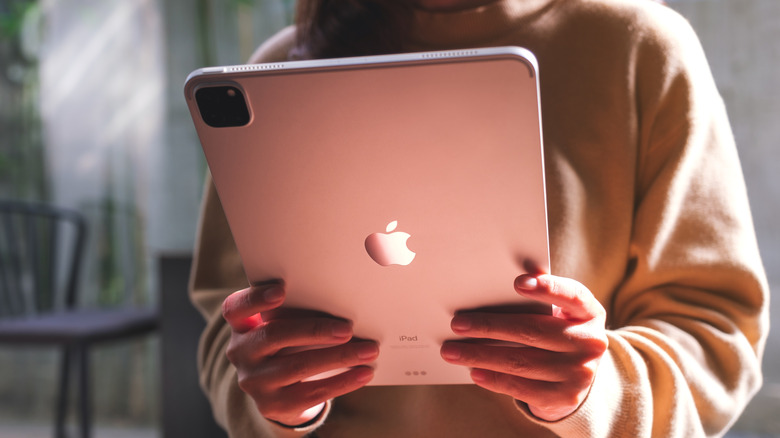
A person holding an iPad

Farknot Architect/Shutterstock

There are a number of simple and straightforward habits that ensure your tablet remains cool. First, keep the software updated. Then, avoid long periods of graphics-intensive work like heavy gaming or video editing. If you notice the back getting warm, pause whatever you’re doing and close all apps until it cools down. Since high brightness also causes heat, keeping it low can help with overheating as well. Furthermore, using a tablet on your lap or a similarly soft surface can disrupt passive cooling, as it blocks air from freely moving across the back metal chassis. If you’re running something that will likely burden your processor, it’s a good idea to elevate the tab and remove its protective case. 

Additionally, since devices often get hotter while charging, ensure that you don’t use your tablet while it’s connected to a charger. We also recommend only using official chargers or ones from reputable brands, as a cheap charger can overheat your device and cause battery issues. Of course, the temperature and climate of your location also affects how prone your tablet is to overheating. You cannot change the temperature outside, but try to keep heavy use to a minimum if you’re in a particularly hot environment without fans or an AC, especially while charging.

When to seek professional repair or buy a new tablet
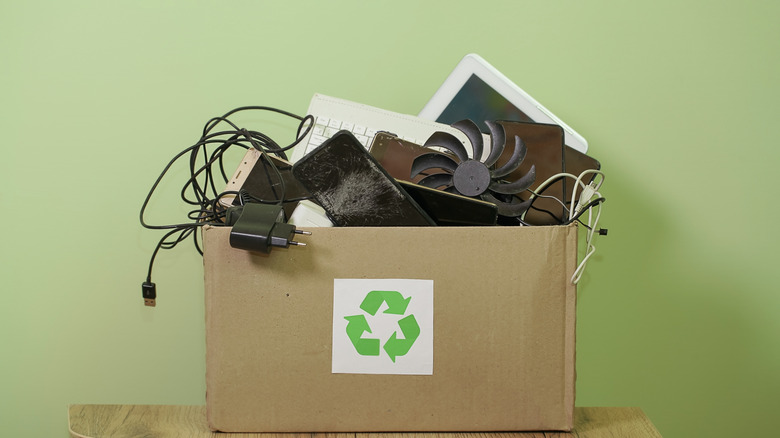
Various electrical appliances such as chargers, phones, and tablets in a box labeled with a recycling symbol

lp-studio/Shutterstock

There’s nothing unusual about devices heating up. However, there are certain cases where this overheating is unnatural and can be dangerous. If you’ve tried all the steps above but still find your tablet heating up often, it might be time to visit a professional or get a new device.

The main sign that you need a new tablet is if it heats up even without any processor-heavy tasks. If it heats up during heavy gaming sessions or while you’re using fast charging — especially if you live in a hotter environment — there’s probably no cause for concern. However, if your device heats up the moment you launch a game or during casual browsing, there’s likely some factor that needs to be fixed. It also helps to compare how it performs currently to its performance in the past; if your tablet could handle gaming fine a while ago but is suddenly overheating under the same load, it might be time to consider a new device.


Share This Article
Email Copy Link Print
Previous Article Android Auto’s Wavy Audio Line Is Leaving Users Conflicted Android Auto’s Wavy Audio Line Is Leaving Users Conflicted
Next Article Best performing Nigerian stocks for the week ended September 11, 2026 Best performing Nigerian stocks for the week ended September 11, 2026
Leave a Comment

Leave a ReplyCancel reply

FacebookLike
XFollow
InstagramFollow
LinkedInFollow
MediumFollow
RSS FeedFollow
Most Read
The Human Impact Of Having Too Few Nurses

The Human Impact Of Having Too Few Nurses

The UK ambassador who called Trump ‘inept’ was reportedly disinvited from a Treasury Department dinner. The White House will have plenty more opportunities to shun him.

The UK ambassador who called Trump ‘inept’ was reportedly disinvited from a Treasury Department dinner. The White House will have plenty more opportunities to shun him.

Prime Video is on Chromecast and Android TV, plus YouTube on Fire TV

Prime Video is on Chromecast and Android TV, plus YouTube on Fire TV

Project

Project

Boeing just announced a major leadership shuffle for its troubled 737 Max team, and the head of the program is out

Boeing just announced a major leadership shuffle for its troubled 737 Max team, and the head of the program is out

Adapt to Crypto or Die: JPMorgan and Bundesbank Get the Disruptive Memo

Adapt to Crypto or Die: JPMorgan and Bundesbank Get the Disruptive Memo

Meet Dan Sullivan, the retired schoolteacher running for office who insists he’s not trolling sitting Senator Dan Sullivan

Meet Dan Sullivan, the retired schoolteacher running for office who insists he’s not trolling sitting Senator Dan Sullivan

Wells Fargo (WFC) Stock Dips Despite Strong Q2 Earnings Beat Across All Metrics

Wells Fargo (WFC) Stock Dips Despite Strong Q2 Earnings Beat Across All Metrics

Barratt claws back £38m from subcontractors in legacy job claims

Barratt claws back £38m from subcontractors in legacy job claims

She Spent 6 Months Looking for the Perfect Spring Water. What She Found Changed Her Entire Business.

She Spent 6 Months Looking for the Perfect Spring Water. What She Found Changed Her Entire Business.

Related News
NASA, IBM launch new AI model for studying the moon
Gadgets

NASA, IBM launch new AI model for studying the moon

Android Users Can Now Share Their Passkeys In Just A Few Steps
Gadgets

Android Users Can Now Share Their Passkeys In Just A Few Steps

Apple Watch Audio Intelligence: 4 New Features Available On The Series 12 And Ultra 4
Gadgets

Apple Watch Audio Intelligence: 4 New Features Available On The Series 12 And Ultra 4

These Audio Partnership Bluetooth Speakers Are Being Recalled – Here’s Why
Gadgets

These Audio Partnership Bluetooth Speakers Are Being Recalled – Here’s Why

Nepal flood disaster exposes cascading threats in Himalayas
Gadgets

Nepal flood disaster exposes cascading threats in Himalayas

  • Quick Links:
  • SPORTS
  • Business
  • Gadgets
  • HEALTH
  • NEWS
  • ENTERTAINMENT
  • Virtual Reality
  • America News
  • Travel
  • WORLD NEWS
  • News World
  • Global Affairs
  • POLITICS
  • Africa News
  • Tech
Bioreports
Information You Can Trust: Stay instantly connected with breaking stories and live updates. From politics and technology to entertainment and beyond, we provide real-time coverage you can rely on, making us your dependable source for 24/7 news.
Quick Links
  • Read History
  • Economy
  • Travel
  • Global Security
  • Global Affairs
  • World
  • Technology

© Bioreports News Network. . All Rights Reserved.